EMSCOPE Click Meter for CISPR 14-1
Turn your EMSCOPE receiver into a click meter for discontinuous conducted disturbances. The optional software license supports simultaneous line/neutral testing, four measurement frequencies, click statistics and automated PDF reports. Available for EMSCOPE, EMSCOPE-RX2, EMSCOPE-RX4 and EMSCOPE-RX4LZ2.
PARTNER:
MARKETS:
CATEGORIES:
TEST STANDARDS:
Select Options/Sizes:

Click Meter Brochure
SPECIFICATIONS
EMZER | CONDUCTED EMISSIONS & EMC DIAGNOSTICS
CISPR 14-1 Click Meter for the EMSCOPE Family
Measure discontinuous disturbances, review click statistics and document the result.
A click meter option for all four models
Add discontinuous conducted disturbance analysis to an existing EMSCOPE receiver or specify the license with a new system. The click meter evaluates intermittent disturbances from switching operations, helping laboratories and developers assess equipment against applicable CISPR 14-1 requirements.
What you are ordering: an optional click meter software license for a compatible EMSCOPE instrument. The receiver, any external LISN and supporting hardware are specified separately unless included in the quoted system.

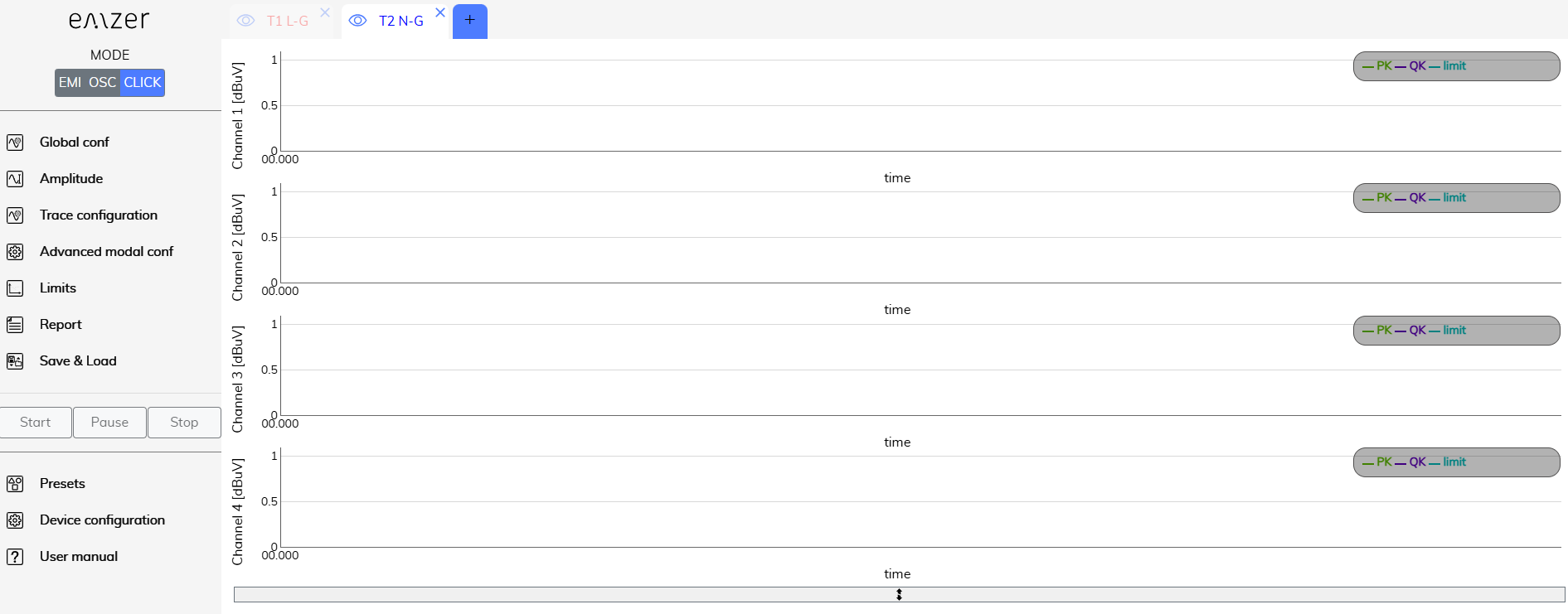
Configuration, frequency plots and results are available in one browser workspace.
Four frequencies, line and neutral, one workflow
| Four simultaneous frequency displays | 150 kHz, 500 kHz, 1.4 MHz and 30 MHz. |
|---|---|
| Line and neutral | Measure both paths simultaneously with the supported click meter configuration. |
| Peak and quasi-peak | Compare disturbances with selected CISPR 14-1 or user-defined limits. |
| Modal information | Use common/differential-mode information to help diagnose the noise source. |
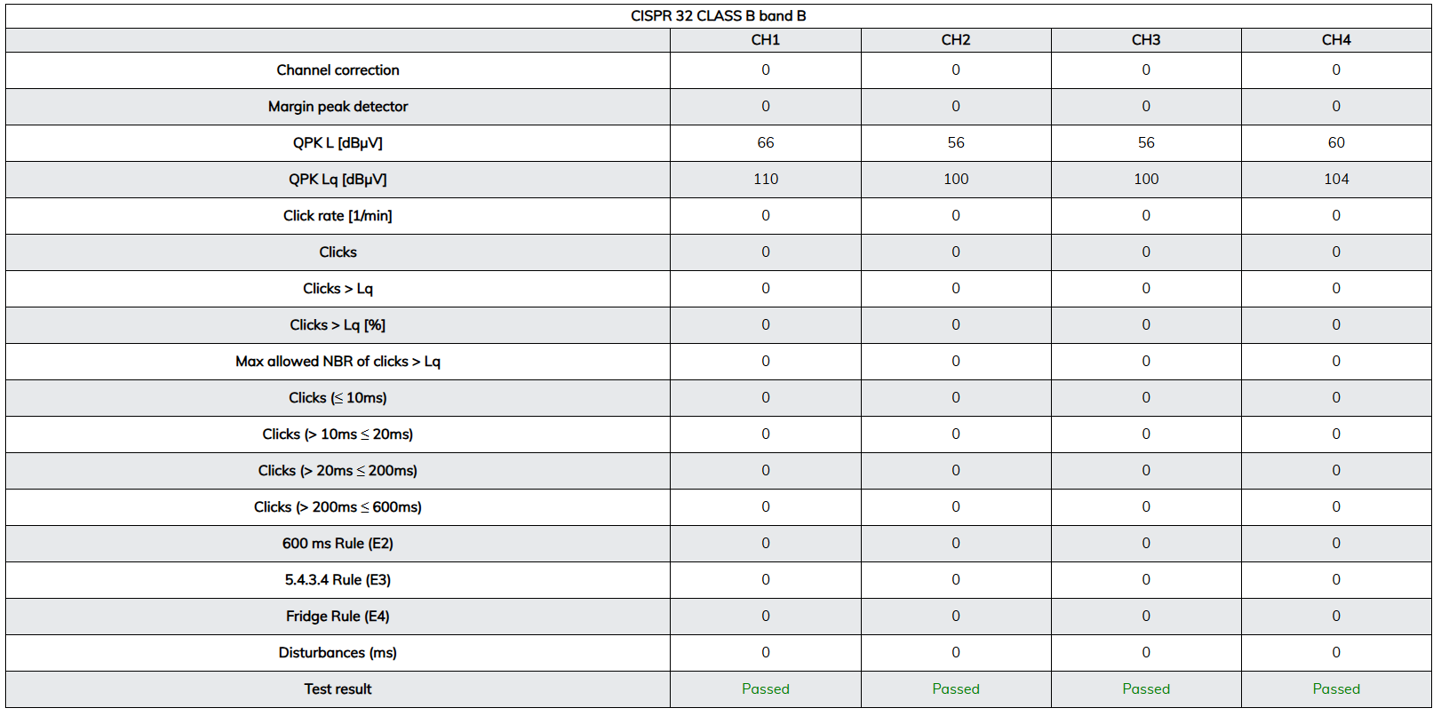
| Automatic analysis | Review click rate, count, exceedances, duration groups and rule conditions. |
| PDF reporting | Combine plots, summary data and channel measurement-sequence flowcharts. |
Click meter applications
Typical investigations include thermostatically controlled appliances, motor-driven equipment, relays, triacs and repetitive switching controls. Determine whether CISPR 14-1 applies to the product and configuration; the click meter does not replace correct product-standard and test-method selection.
Configure, measure and report
| 1. Select host and LISN | Choose one of the four models below. EMSCOPE/RX4LZ2 include a single-phase LISN; RX2/RX4 require an external network. |
|---|---|
| 2. Activate the license | Open the instrument in a browser and select click meter mode. |
| 3. Configure the test | Set traces, observation duration, click-rate settings and applicable limits. |
| 4. Review results | Inspect four-frequency plots and statistics; investigate noise with modal information. |
| 5. Generate the report | Export plots, tables and sequence information to PDF. |

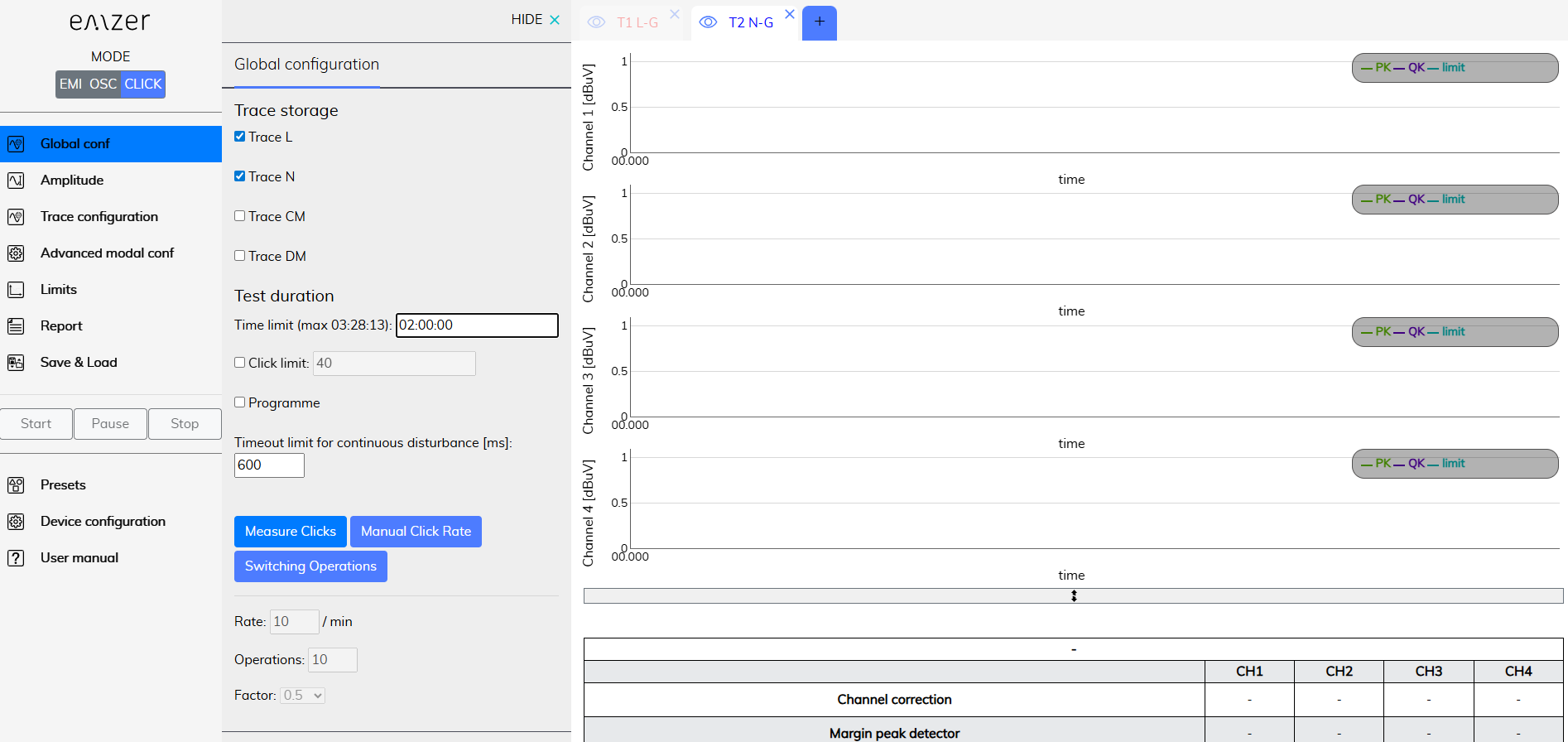
Select the required test settings before measurement.
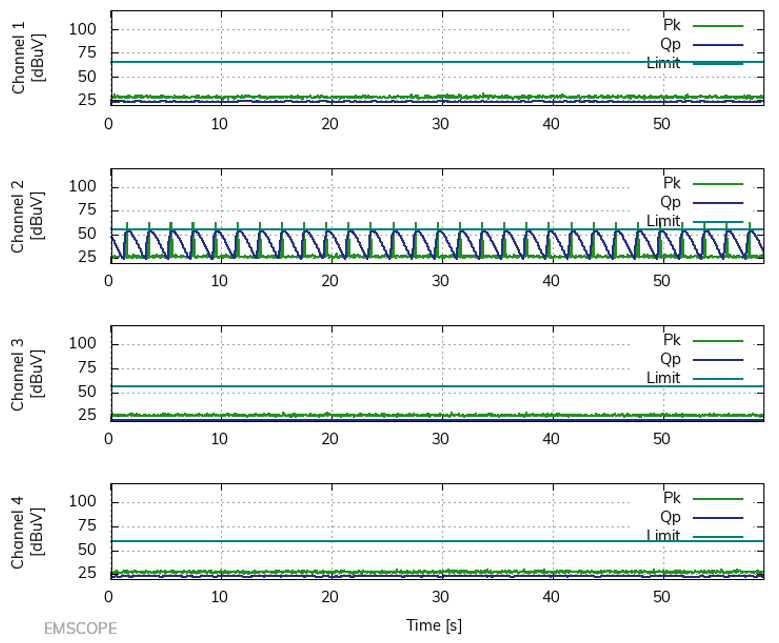
See the click measurement results

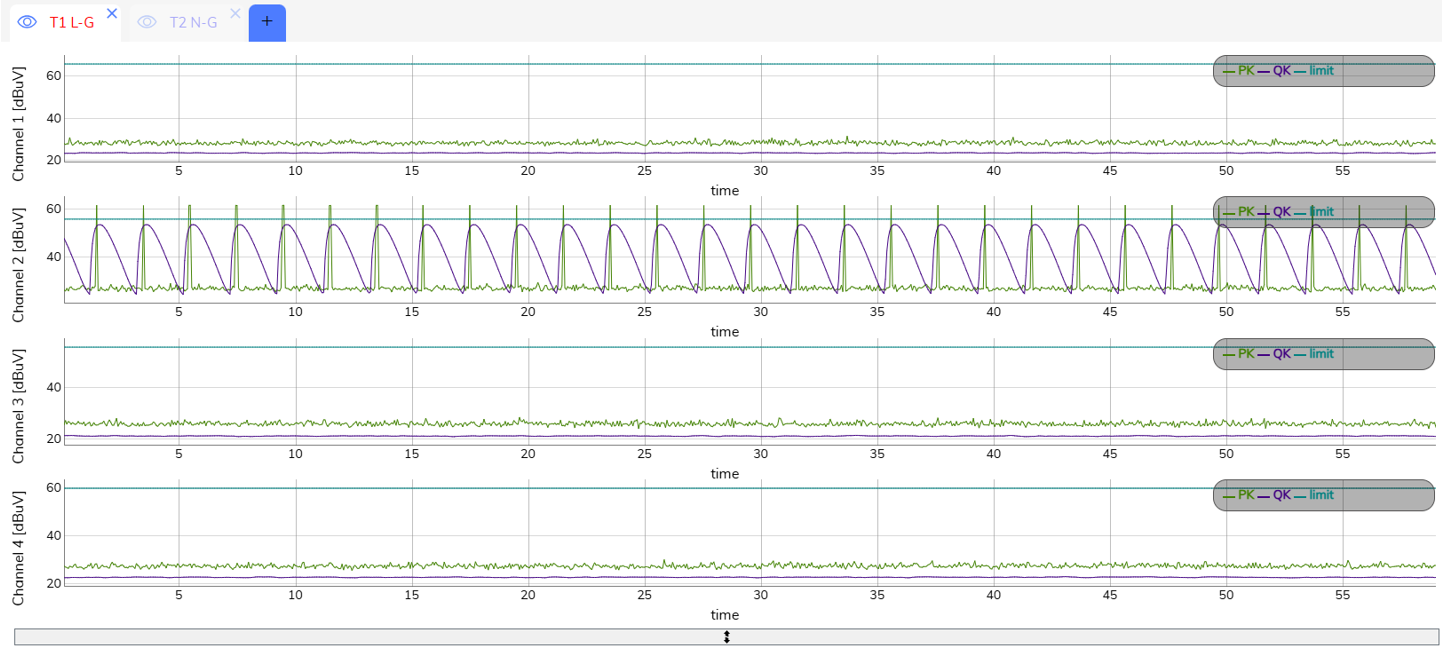
Four-frequency display. Example limits and traces illustrate the interface; choose the correct limits for the EUT.

Review click statistics and rule conditions alongside the measured plots.
Click meter specifications
| Function | Licensed click meter / discontinuous disturbance analyzer |
|---|---|
| Compatible platforms | EMSCOPE, EMSCOPE-RX2, EMSCOPE-RX4 and EMSCOPE-RX4LZ2 |
| Click measurement standard | CISPR 14-1, as specified by EMZER |
| Detector standard | CISPR 16-1-1 |
| LISN standard | CISPR 16-1-2 with the applicable network |
| Measurement frequencies | 150 kHz; 500 kHz; 1.4 MHz; 30 MHz |
| Detectors | Peak and quasi-peak |
| Paths and modes | Simultaneous line/neutral with common/differential-mode information |
| Analysis | Click rate, counts, exceedances, duration groups and rule-condition evaluation |
| Report | PDF with plots, tables and channel-sequence flowcharts |
| Control | Embedded browser interface; no separate measurement-software installation |
| Activation | Dedicated software license; hardware depends on selected host |
Host hardware: integrated EMSCOPE configuration
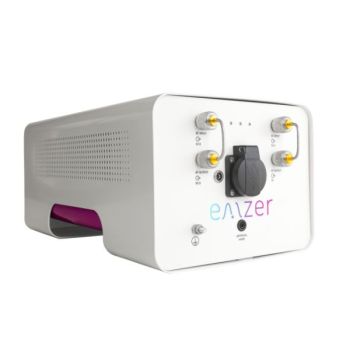
The following brochure values describe the illustrated two-channel EMSCOPE hardware. They are not license specifications and should not be applied indiscriminately to RX2, RX4 or RX4LZ2.
| RF inputs | 50 Ω; 2 × N-female |
|---|---|
| VSWR | < 1.2 |
| Transient limiter | Up to 30 MHz; 1 dB compression point: 23 dBm |
| Maximum RF input without damage | 144 dBµV (5 W / 37 dBm); a damage limit, not a linear measurement range |
| I/O | SFP optical |
| Operating temperature | 0 °C to 40 °C |
| Instrument supply / consumption | 110–240 VAC; 25 W maximum |
| Dimensions / weight | 252 × 195 × 438 mm (W × H × D); 8.5 kg |
| LISN type / standard | Dual-port, single-phase V-network; CISPR 16-1-2 |
|---|---|
| Equivalent circuit / pre-filter choke | 50 Ω || (50 μH + 5 Ω) / 250 μH |
| Maximum continuous current | Up to 16 A at 230 VAC; socket dependent |
| Maximum operating voltage | Up to 300 VAC / 325 VDC; socket dependent |
| EUT supply frequency | DC to 60 Hz |
| Artificial hand | 510 Ω + 220 pF; 4 mm banana/socket connection |
| Mains input | IEC C20 |
| EUT socket | Schuko Type F shown in manufacturer data. EU, USA, UK and CN-AUS selections are listed; specify the North American outlet and verify its ratings. |
Reports for review and traceability

Manufacturer report example. Keep the configuration and results with the EUT test record.
Components and supporting equipment
| Click meter option | License enabling discontinuous disturbance measurement and analysis. |
|---|---|
| Host receiver | EMSCOPE, RX2, RX4 or RX4LZ2; separate purchase or included in a quoted system. |
| LISN | Suitable internal single-phase LISN where fitted, or external network matched to the EUT and standard. |
| Supporting equipment | Browser-equipped control device, optical/network connection, suitable EUT supply, grounding and measurement cables. |
| Other options | Oscilloscope license and receiver frequency upgrades are separately specified. |
Practical questions
Is this a standalone meter or an option?
It is a licensed EMSCOPE function. A compatible receiver and suitable LISN/test setup are required. Order it with a new system or for an existing instrument.
Which models support it?
The current family technical sheet lists the click meter license for EMSCOPE, EMSCOPE-RX2, EMSCOPE-RX4 and EMSCOPE-RX4LZ2.
Are four frequencies four hardware inputs?
No. The four click frequencies are distinct from the receiver-channel count in the model comparison.
Do click measurements require the 110 MHz upgrade?
The four listed click frequencies are at or below 30 MHz. Wider receiver coverage is not required solely to reach those frequencies.
Can reports support compliance records?
Yes, with correct product scope, EUT conditions, limits, network and laboratory procedure. The software supports measurement and reporting; it does not itself certify the product.
Click meter documentation
Download the click meter brochure
Compare family specifications
Compare all four EMSCOPE models
Choose channel count and LISN arrangement first. All four models support the optional CISPR 14-1 click meter.
| Model | Receiver channels | LISN configuration | Base frequency range | Best fit |
|---|---|---|---|---|
EMSCOPE |
2 | Built-in single-phase, 16 A | 9 kHz–30 MHz | Integrated single-phase bench testing. |
EMSCOPE-RX2 |
2 | External LISN required | 9 kHz–30 MHz | Application-specific external networks. |
EMSCOPE-RX4 |
4 | External LISN required | 150 kHz–30 MHz* | Three-phase EMI and modal troubleshooting. |
EMSCOPE-RX4LZ2 |
4 | Built-in single-phase, 16 A; external network for three-phase | 150 kHz–30 MHz* | Single-phase bench work plus external three-phase setups. |
Shared capabilities: peak, quasi-peak and average EMI detectors; common/differential-mode analysis; embedded browser software; fiber/Ethernet converter; available 110 MHz upgrade; optional oscilloscope and click meter licenses. Transient limiters: two on EMSCOPE/RX2 and four on RX4/RX4LZ2.
*RX4 frequency selection: EMSCOPE-RX4 and EMSCOPE-RX4LZ2 start at 150 kHz as standard. Add UPGR-09 to extend coverage down to 9 kHz. The separate UPGR-110 option extends the upper limit from 30 MHz to 110 MHz.
OTHER PRODUCTS IN THE SAME CATEGORY:
EMSCOPE-RX2, 9kHz - 110MHz, 2 channel Receiver
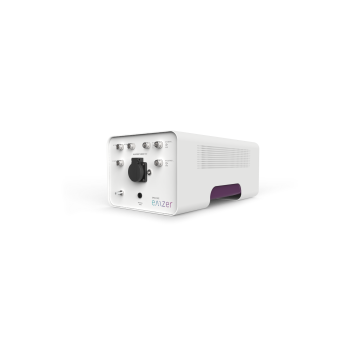
EMSCOPE-RX4, 9kHz - 110MHz, 4 channel Receiver for 3 phase
EMSCOPE Click Meter for CISPR 14-1
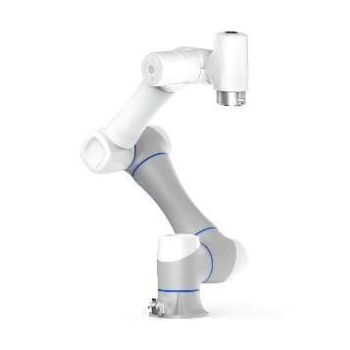
EMProbe CR5 - Custom Large-Reach Robotic EMI Scanning System
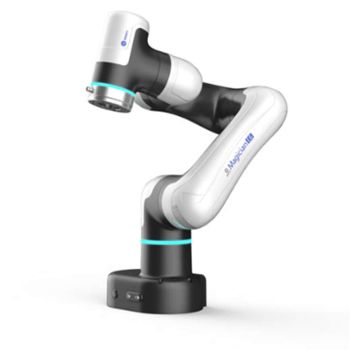
EMProbe-DBM-E6 — 6-Axis Robotic Near-Field EMI Diagnostics on the Bench
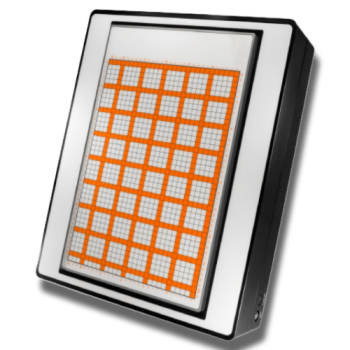
EMScanner+: 150 kHz- 6 GHz, w/ Real-Time Spectrum Analyzer, EMC desktop scanner
EMScannerR+: 150 kHz- 6 GHz, w/ Real-Time Spectrum Analyzer, EMC desktop scanner
RFScanner, Antenna Pattern measurement, 300MHz - 6 GHz
NFPKIT, EM Near Field Probe Kit w/Camera & Software
EMProbe: 9kHz- 18 GHz, 0.2mm resolution, EMC robotic scanner
EMScannerR: 150 kHz- 8 GHz, 0.06mm resolution, EMC desktop scanner
EMScanner: 150 kHz- 8 GHz, 3.5mm Resolution, EMC desktop scanner
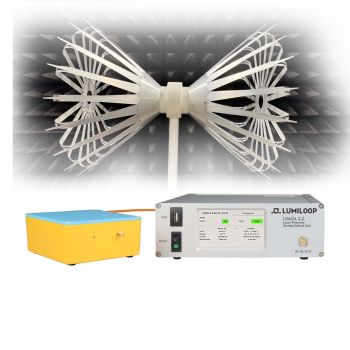
LSAOL 1.2 Laser-Powered Analog Optical Link
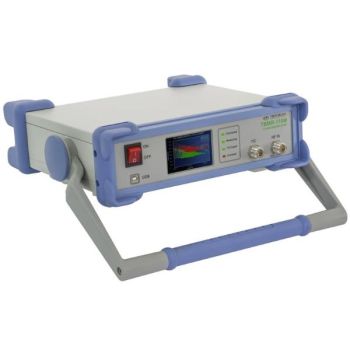
TBMR-110M DC - 110 MHz high speed EMI-Analyzer
eNFPKIT, Educational Kit EM Near Field Probe Kit w/Camera & Software
LSAOL 1.1, Laser Powered RF Link, 9kHz - 6GHz Discontinued
LSAOL 1.0, Laser Powered RF Link, Discontinued
EMSCOPE, 9kHz - 110MHz, 2 channel Receiver/LISN
EMSCOPE-RX4, 9kHz - 110MHz, 4 channel Receiver for 3 phase